Docs
Personal Cloud Server Project: Nextcloud AIO, DuckDNS, and WordPress Hosting
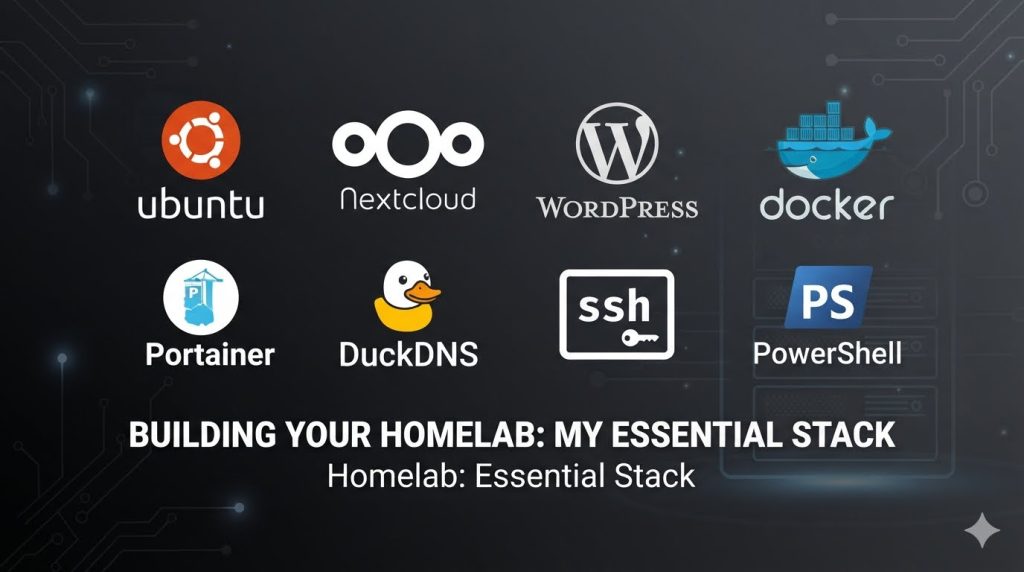
Prompt for AI Agent
I need you to act as a senior Ubuntu Server administrator, Docker specialist, Nextcloud All-in-One deployment expert, secure home-lab architect, WordPress hosting consultant, networking/security advisor, and technical documentation writer. Your task is to guide me through setting up Nextcloud AIO and related self-hosted services on my local Ubuntu server at home, while making them securely accessible from anywhere on the internet using DuckDNS, proper router port forwarding, firewall rules, SSL certificates, and secure remote-access practices.
The final output must be a complete, accurate, beginner-friendly, repeatable installation and configuration guide that I can use almost independently, even though I am below beginner level in Ubuntu, Linux commands, terminal usage, Docker, networking, and server administration. I can follow clear instructions very well, but I need every command and decision explained in detail.
1. Project Objective
I want to set up Nextcloud AIO on a local Ubuntu server at home. I will use it to store, browse, organize, edit, manage, preserve, and access my Family & Friends digital archive, including photos, videos, documents, books, manuals, datasheets, and other personal archive files. The system should be reliable, maintainable, secure, easy to troubleshoot, and as typical/common as possible so that future support and troubleshooting are easier.
A major reason for using DuckDNS is that I want to access the server and hosted services from anywhere on the internet, not only from my home network. This includes Nextcloud, Nextcloud apps, desktop/mobile sync clients, WordPress sites, future hosted services, and possibly SSH access to the Ubuntu server.
2. Current Server Information
- Device: Lenovo X1 Yoga laptop
- Operating system: Ubuntu Server 26.04 is currently installed
- Internal drive: 512 GB NVMe M.2 SSD
- RAM: 16 GB
- External storage: 2 TB SATA mechanical hard drive, approximately 1.8 TB usable
- Intended external drive use: storage location for Nextcloud archive/media/data files
- Main access method: PowerShell SSH, standard SSH client, or any better method you recommend
The Ubuntu installation may not be clean because I have already performed many installations, failed attempts, workarounds, recoveries, uninstallations, port changes, and configuration changes. Examples include Docker, Portainer, Nginx, rclone, and other tools. You must first help me decide whether I should clean the existing installation or reinstall Ubuntu from scratch for a clean and reliable baseline. Do not assume the system is clean unless you verify it.
3. Domain, DNS, and Remote Access Requirements
I have an account on duckdns.org and several DuckDNS subdomains. Current intended usage:
- ahaddad.duckdns.org: intended as the main landing domain for Nextcloud.
- ahaddad-wp.duckdns.org: intended for multiple standalone WordPress sites. I do not necessarily want WordPress multisite/unified management. I want multiple independent WordPress installations, each accessible by a direct URL or through links from the main WordPress landing page.
- Other DuckDNS subdomains may be used later for future services.
Please review this domain plan and recommend the best structure before implementation. The architecture must clearly distinguish between public-facing services that should be reachable from the internet, such as Nextcloud and WordPress, and administrative services such as SSH, which should be treated as high risk and protected as much as possible.
4. Current Router Port Forwarding
I currently have the following port forwarding rules configured on my home router, please feel free to add/edit/delete/suggest but with full explanation and their usage:
- TCP/UDP: External 443 to Internal 443
- TCP/UDP: External 80 to Internal 80
- TCP: External 2222 to Internal 22
- TCP: External 16000 to Internal 22
Please review whether these rules are correct, redundant, insecure, or need adjustment. Explain whether exposing SSH directly to the internet is advisable. If SSH access from the internet is required, recommend the safest practical configuration, including non-standard external SSH port, key-based authentication, disabling password login if appropriate, disabling root login, UFW firewall rules, Fail2ban or equivalent protection, and clear router port forwarding requirements. Clarify whether both external SSH ports 2222 and 16000 are needed, or whether only one should remain.
5. Beginner-Level Ubuntu Guidance Requirement
Please keep in mind that I am below beginner level when it comes to Ubuntu Server, Linux commands, terminal usage, system paths, permissions, services, configuration files, Docker commands, networking commands, and the general Linux environment. However, I can follow clear, accurate, step-by-step instructions very well.
Therefore, every command used during this project must be documented in a complete beginner-friendly way. For every command, provide the exact command, where to run it, what it does, an explanation of each important switch or parameter, whether it is safe or risky, what output I should expect, how to confirm it worked, what to do if the output is different, whether it needs sudo and why, whether it can be repeated safely, and whether it changes system configuration permanently.
6. Required Command Documentation Format
For each command or group of commands, use this format: Command; Where to Run It; What It Does; Command Breakdown; Expected Output; Validation; If Something Goes Wrong; Risk Level; Repeatability. Risk level must be clearly labeled as Safe, Low risk, Medium risk, High risk, or Destructive.
Do not give long blocks of commands without explanation. Do not say “just run this” without explaining what it does. Do not assume I understand Linux terminology. Explain terms such as Linux paths, /etc/, /var/, /mnt/, /home/, /opt/, permissions, ownership, Docker volumes, ports, services, reverse proxies, SSH keys, DNS records, SSL certificates, sudo, nano, systemctl, docker, ufw, chmod, chown, lsblk, mount, fstab, and journalctl the first time they are used.
7. Required Installation Phases
Create the guide in phases. Each phase must be completed, tested, verified, and documented before moving to the next phase. At minimum, include: planning and architecture; clean Ubuntu baseline; external storage preparation; Docker installation; Nextcloud AIO installation; Nextcloud apps and features; desktop and mobile client setup; WordPress hosting plan; other websites and future services; backup, restore, and disaster recovery; security hardening; monitoring and maintenance.
8. Documentation Requirements
The guide must include the purpose of each phase, prerequisites, exact commands, where each command should be run, expected output or behavior, validation checks, common warnings and errors, troubleshooting steps, rollback or recovery steps where appropriate, security best practices, backup and restore considerations, maintenance tasks, a final verification checklist, and a reusable fresh installation checklist.
9. Required AI Behavior
- Do not assume anything critical; ask for verification commands when needed.
- Do not move to the next phase until the current phase is complete and validated.
- Provide commands in small logical groups.
- Explain what each command does and what output to expect.
- Troubleshoot based on the actual error output.
- Avoid unnecessary complexity.
- Prefer standard, well-supported, maintainable approaches.
- Clearly identify risky or destructive commands before giving them.
- Never suggest formatting, deleting data, removing Docker volumes, changing firewall rules, or editing boot/mount configuration without clear warnings.
- Document all configuration decisions, issues, fixes, and lessons learned.
10. First Task
Start by reviewing my current plan, server details, DuckDNS remote-access requirement, current port forwarding, and beginner-level guidance requirement. Then produce: a recommended target architecture; a risk review of the current setup; a decision on whether I should reinstall Ubuntu or clean the existing installation; a proposed phase-by-phase implementation plan; a list of information you need from me before starting Phase 1; and the first set of safe verification commands I should run on the server. Do not begin installation commands until the architecture and baseline decision are clear.
11. Summary of the AI-Agent Prompt
This prompt asks an AI agent to act as a senior Ubuntu Server, Docker, Nextcloud AIO, WordPress, networking, security, and technical documentation expert. The agent’s main responsibility is to guide the user through building a secure, reliable, repeatable home server setup that hosts Nextcloud AIO first, then potentially WordPress and other future services.
The server is a Lenovo X1 Yoga laptop running Ubuntu Server 26.04, with a 512 GB internal NVMe drive, 16 GB RAM, and a 2 TB external SATA hard drive intended for Nextcloud archive storage. Because the current Ubuntu installation may contain leftovers from earlier experiments with Docker, Portainer, Nginx, rclone, and other tools, the AI agent must first decide whether to clean the current installation or recommend a fresh Ubuntu reinstall.
A central requirement is remote access from anywhere on the internet using DuckDNS. The AI agent must design a secure approach for accessing Nextcloud, WordPress sites, future hosted services, desktop/mobile clients, and possibly SSH administration from outside the home network. It must review the existing router port forwarding rules, explain risks, recommend whether SSH should be exposed directly or protected through safer alternatives such as VPN, and define proper firewall, SSL, and DuckDNS update strategies.
The prompt strongly emphasizes beginner-level guidance. Since the user is below beginner level in Ubuntu and Linux, every command must be documented in an “idiot-proof” but respectful style. For each command, the AI agent must explain where to run it, what it does, the meaning of important switches and parameters, expected output, validation steps, troubleshooting actions, risk level, repeatability, and whether it makes permanent system changes.
The final guide must be organized into clear phases: planning and architecture, clean Ubuntu baseline, external storage preparation, Docker installation, Nextcloud AIO installation, Nextcloud apps, desktop/mobile clients, WordPress hosting planning, future services, backup and disaster recovery, security hardening, and monitoring/maintenance. Each phase must include explanations, exact commands, validation checks, warnings, troubleshooting, and documentation notes before moving to the next phase.
The first task for the AI agent is not to start installation immediately. Instead, it must first review the overall plan, assess the current risks, recommend the target architecture, decide whether to reinstall or clean Ubuntu, propose a phased implementation plan, list any information needed from the user, and provide only safe verification commands to inspect the current server state.